Location-based blocking
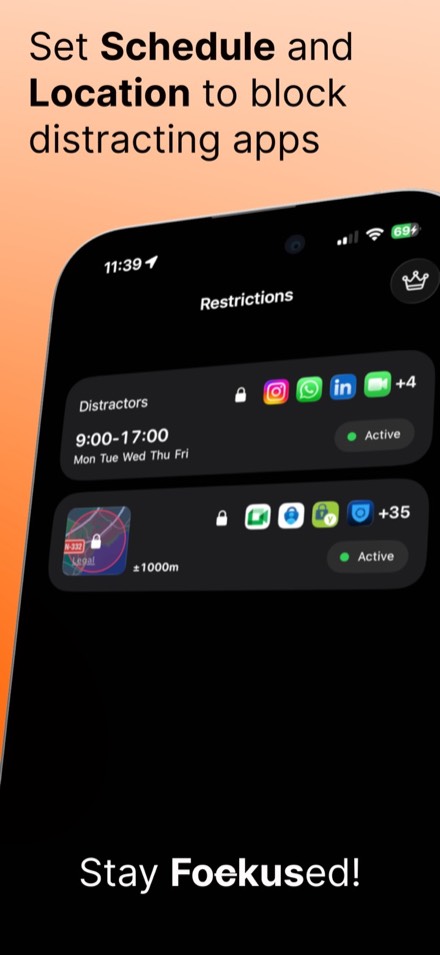
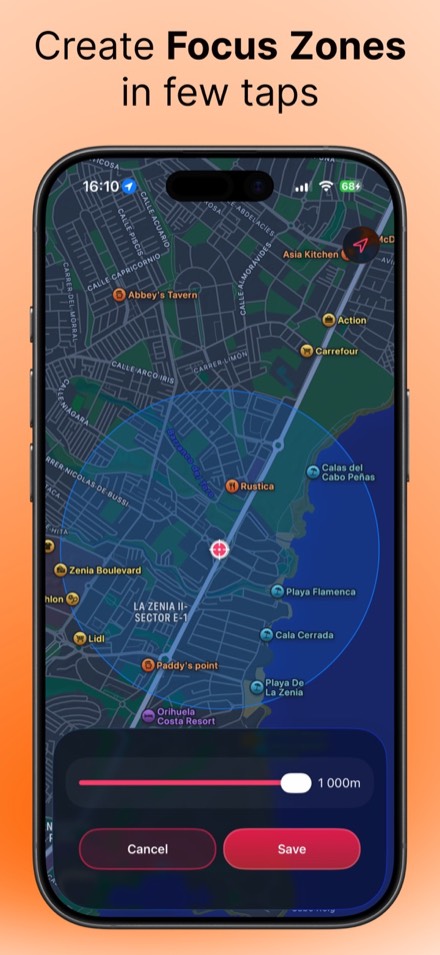
- Focus zones at work, the library or the gym
- Radius-based restrictions for any place
- Precise geofencing, no manual switching

App blocking by time and place
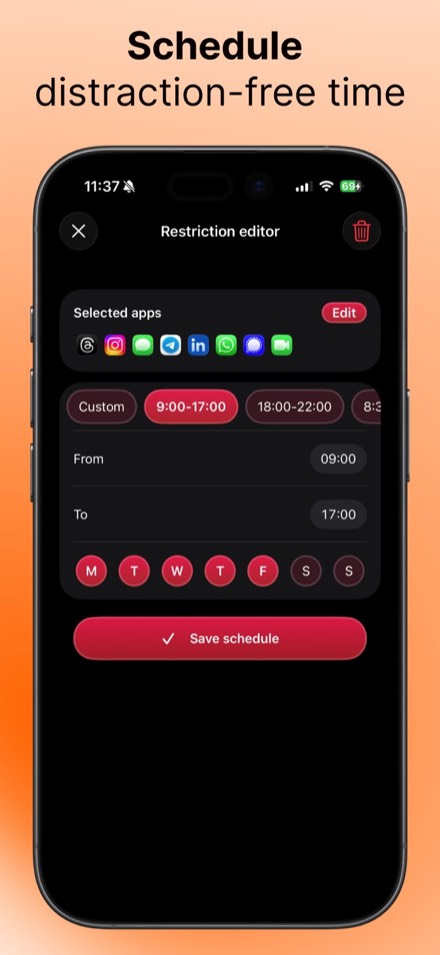
App blocking that adapts to your schedule and location. Restrictions switch on by themselves when you arrive at work, start studying or sit down for dinner.
iPhone · iOS 18 or later · Free with optional Premium
Features
All data stays on your device. Location is used only for geofencing, and no personal information is collected.
Uses Apple's Screen Time framework, so blocking is reliable and works the way iOS expects.
Guides
Details
FAQ
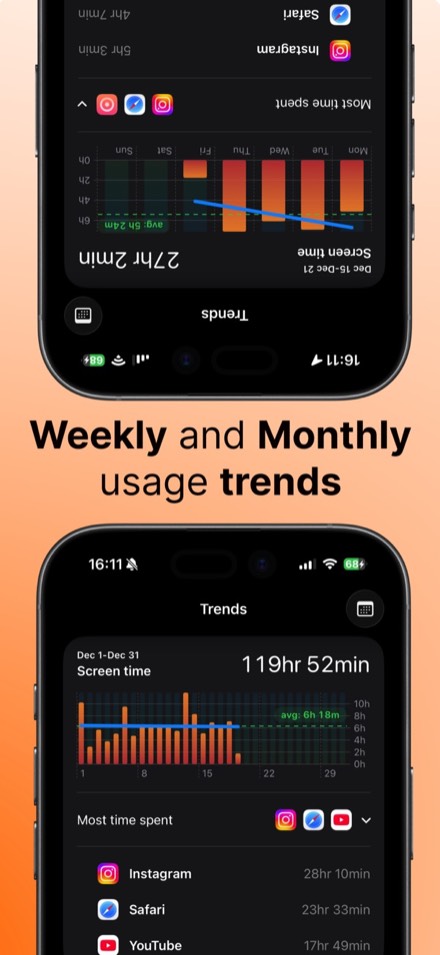
Yes, Fokus Zone is free to download and use. An optional Premium subscription unlocks unlimited restrictions, advanced scheduling options and detailed analytics.
Not directly. Screen Time's Downtime and App Limits are based on time, and Focus modes can switch on at a location but do not stop you opening apps. Fokus Zone adds location-based blocking on top of Apple's Screen Time framework.
Location-based restrictions have to switch on when you arrive at a place, even when the app is closed. That needs Always permission. Location is used only for geofencing and stays on your device.
No. All data stays on your device and no personal information is collected.
Any iPhone running iOS 18 or later.
How it's built
Fokus Zone brings together apple's Screen Time framework, geofencing, scheduling and in-app subscriptions, with all data kept on device. Need an app built with the same care for your business?